

Quick Start
Open a data folder, a *.duckdb file, or a database connection.
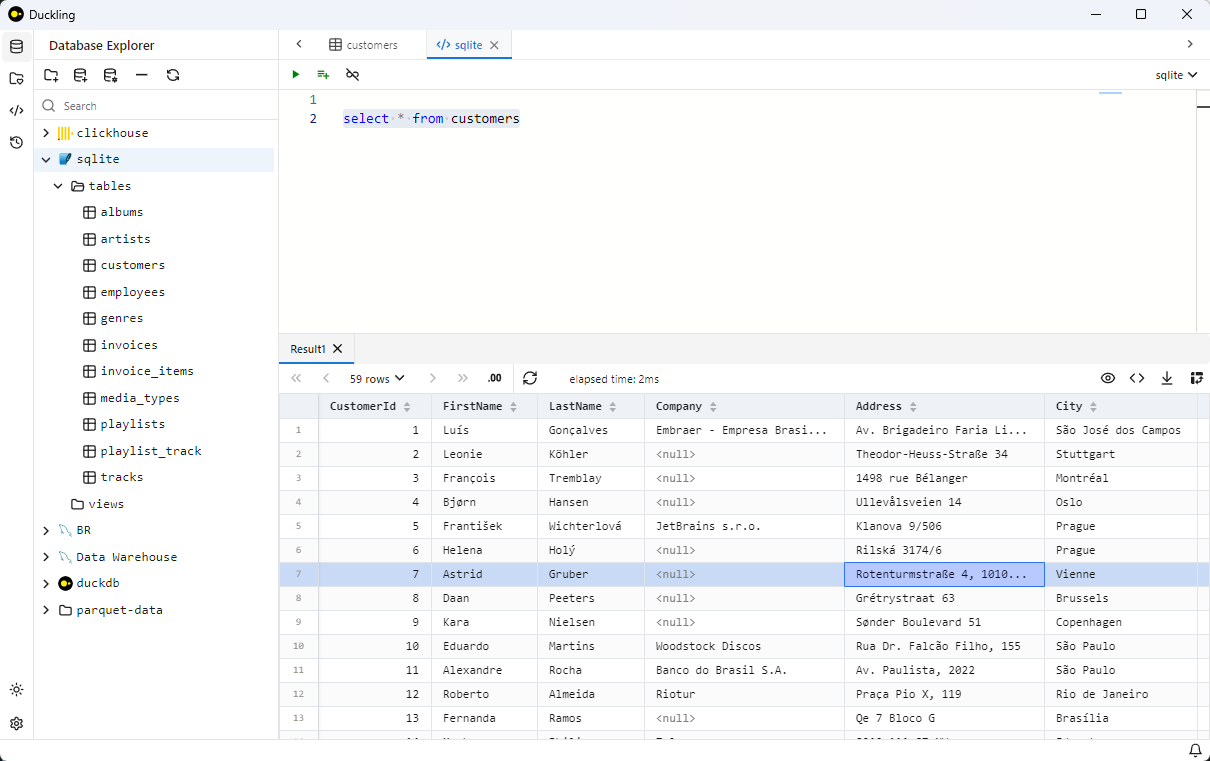
Light theme:
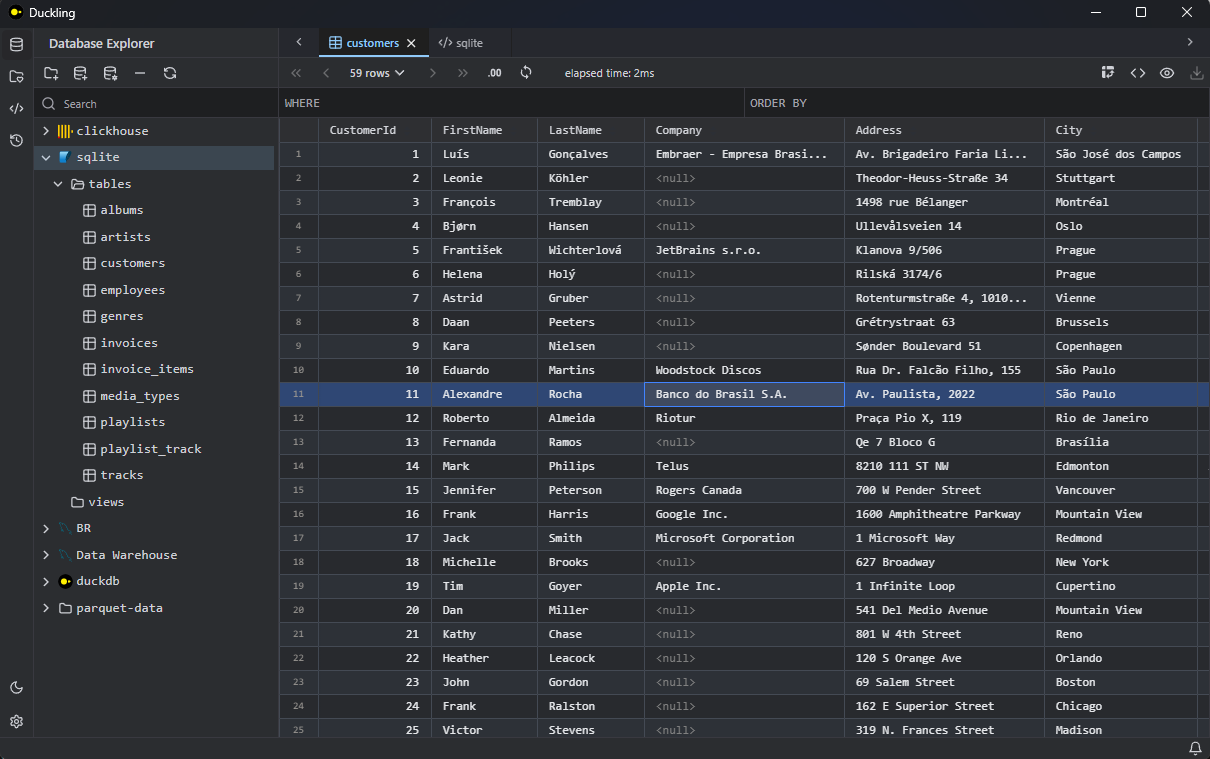
Dark theme:
Typical workflow
- Open a data source — pick a folder of
parquet/csvfiles, a*.duckdbfile, or configure a SQLite / MySQL / PostgreSQL / ClickHouse connection. - Browse — click through tables, preview columns, and inspect individual cells.
- Run SQL — press
Mod+Enter(or click ▶) to execute the query in the editor. - Analyze & export — build a pivot table, profile a column, or export the result to a file.
Mod is Ctrl on Windows / Linux and Cmd on macOS.
See Usage & features for details, or jump straight to the SQL Templates guide.